
Feature detail
Available with SetupHomework Management for clearer classwork communication and parent follow-up.
Eduforge lets teachers assign homework by class and section with due dates, optional attachments, acknowledgment tracking, and parent notifications. WhatsApp or SMS notifications require a configured communication setup and may be billed separately.
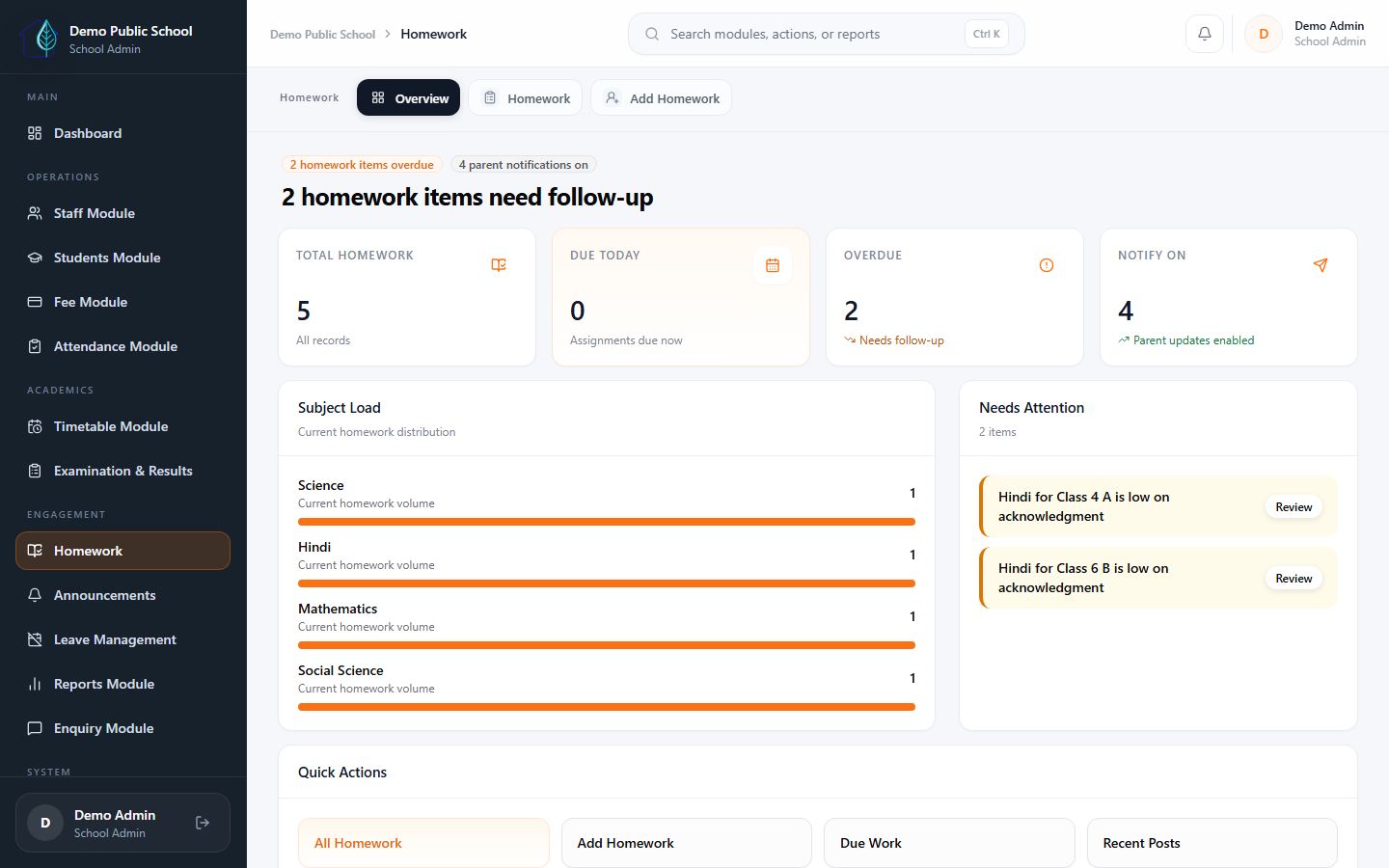
Cleaner class communication
Teachers can create homework with description, due date, attachment, and parent-notify control from a dedicated module flow.
Parent awareness
Parents can acknowledge homework in the portal, and admins or teachers can track the acknowledgment rate per homework card.
Academic continuity
The module connects teachers, parent communication, and academic follow-up without rewriting the rest of the ERP workflow.
Clear teacher roles
Teachers manage their own homework. Admins have full visibility. Parents can acknowledge — keeping every role clear and accountable.
What schools get
A clearer homework flow for teachers, students, and parents.
Manage homework creation, parent acknowledgment, and communication from one connected workflow — with clear role boundaries for teachers and admins.
Teacher publishing flow
Teachers open the homework overview, then create work with class and section scope, smart subject filtering, tomorrow-default due dates, and optional attachments.
- Class/section-aware create form
- Subject filtering by assignment
- Attachment-ready publishing flow
Parent acknowledgment visibility
Homework cards show acknowledgment counts such as "32/40 acknowledged," and the detail view breaks down acknowledged versus pending students.
- Acknowledgment-rate badges
- Detail view with student breakdown
- Portal-side parent action
Connected academic routine
When notifications are enabled, messages can be sent to parents in the section through the school's communication setup.
- Parent notification support
- Optional communication setup
- Consistent parent messaging
Clear teacher and admin roles
Teacher update and delete rights stay limited to their own homework, while school admins keep full control across classes.
- Teacher ownership policy
- School-wide visibility
- Clear role permissions
Next step
Show Homework Management in the context of teachers, parents, and daily class communication.
The best walkthrough is overview to create to acknowledgment tracking, because that shows the full homework workflow without crowding the homepage story.