
Feature detail
Available with controlsAI and smart insights that assist school teams safely.
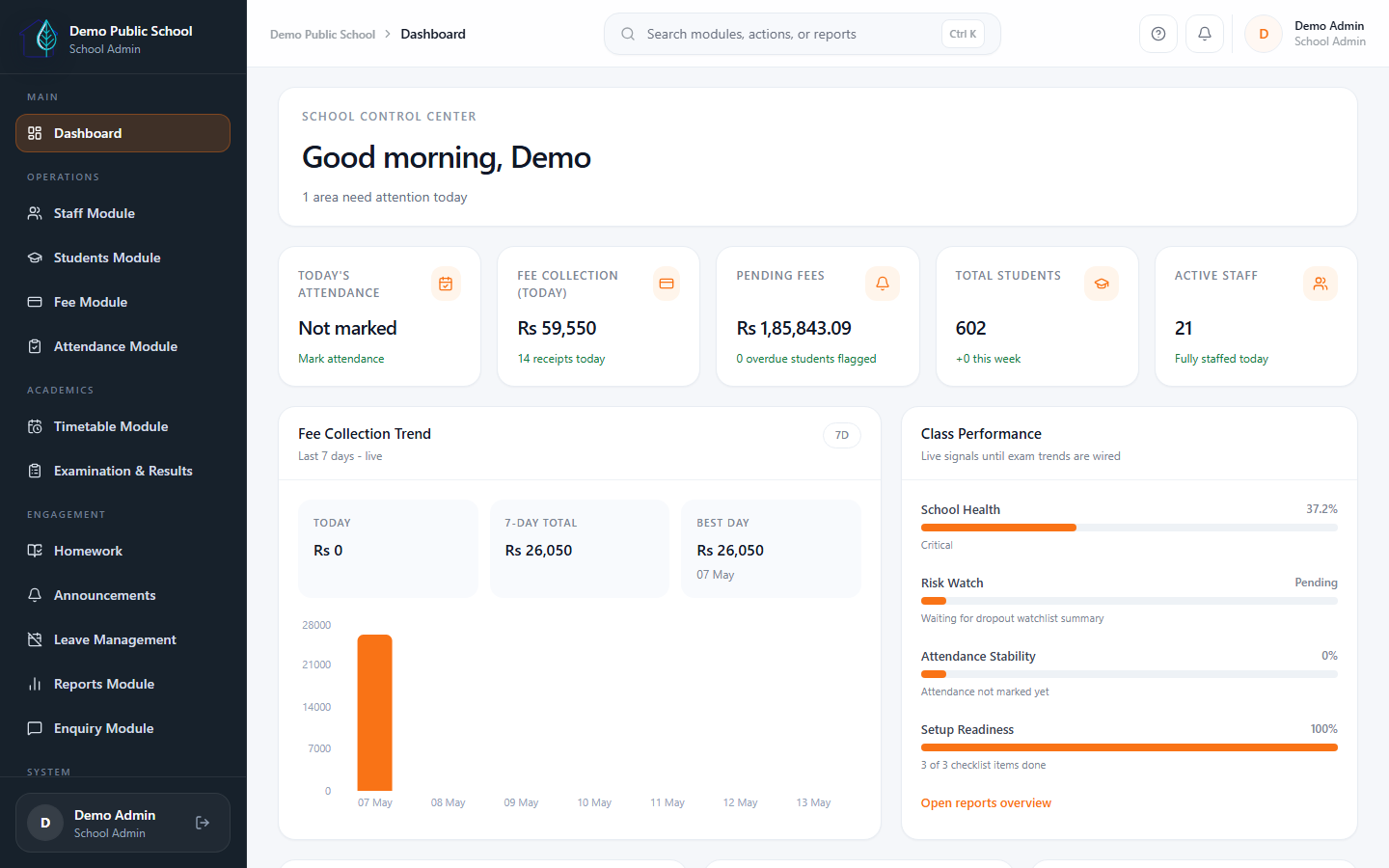
Eduforge uses AI to assist users, map imported data, and highlight operational signals such as fee risk, dropout risk, and attendance anomalies. AI follows role-based access and cannot automatically change critical school records.
AI Assistant
Helps users with summaries, guidance, and workflow support within the access rules configured for the school.
Cleaner imports
Smart import column mapping helps schools align existing Excel or CSV columns during guided onboarding.
Risk visibility
Fee risk, dropout risk, and attendance anomaly insights help teams notice follow-up areas earlier.
Controlled by school
School-level AI controls and role-based access keep AI positioned as a helper, not an unsafe operator.
What schools get
Assistive AI for practical school operations.
Eduforge positions AI as assistive school support. It helps people, highlights signals, and respects permissions.
Permission-controlled AI Assistant
AI Assistant can support summaries, explanations, drafts, and guided operational help based on the user's role and enabled school access.
- Role-aware assistance
- Guidance and summaries
- Useful for daily admin support
Smart import column mapping
During onboarding, AI-assisted mapping can help align existing student, staff, or setup sheets with Eduforge import fields.
- Column matching support
- Cleaner migration workflow
- Human review before import
Fee, dropout, and attendance insights
Insight signals can highlight fee risk, dropout risk, attendance anomalies, dashboard insights, and performance patterns where enabled.
- Fee risk insights
- Dropout risk insights
- Attendance anomaly insights
School-level AI controls
AI settings can be managed at school level. AI is assistive and cannot automatically change payments, attendance, marks, permissions, or other critical school records.
- School-level AI toggles
- Role-based access
- No automatic critical-record changes
See it in demo
Review AI assistance with your real school workflow.
We can show AI Assistant, smart import mapping, insight signals, role-based access, and the controls that keep AI safely assistive.