
Feature detail
Admission Management that keeps enquiries and follow-up easier to handle.
Eduforge tracks admission enquiries with status flow, follow-up visibility, filtering, conversion readiness, and enquiry history so school admins and reception teams can manage the front-office pipeline with more control.
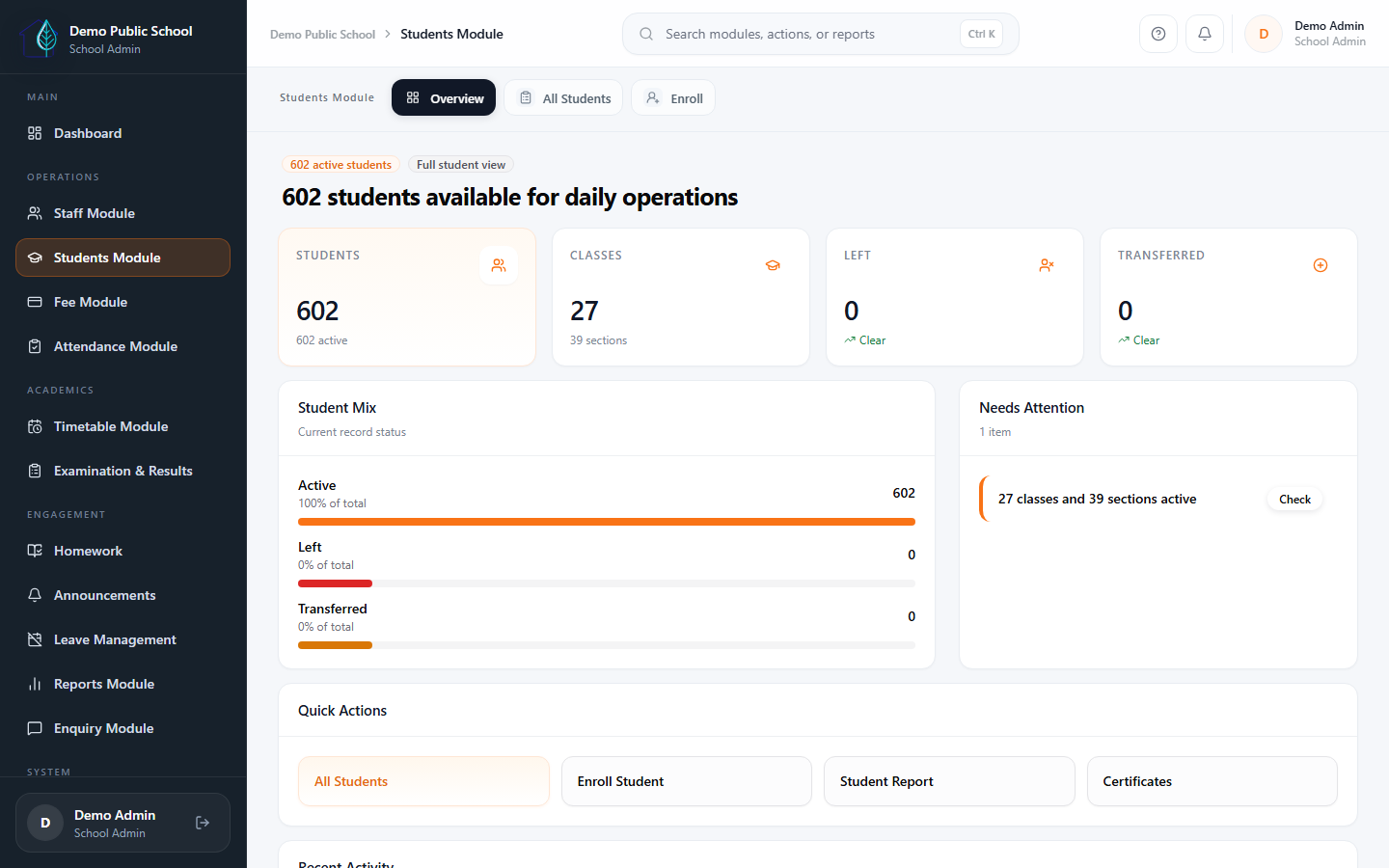
Lead visibility
Keep enquiry records visible by status, source, class interest, assigned user, and date range.
Front-office discipline
Use one dashboard entry for new enquiries, due follow-up review, and converted-case tracking.
Growth support
Overdue and due-today follow-ups stay visible, which makes the pipeline easier to manage consistently.
Connected records
When a family is ready, the conversion flow redirects into admission with prefilled data instead of starting from scratch.
What schools get
A more structured path from enquiry to student setup.
It is more than a simple lead list. Schools can track follow-up readiness, timeline detail, and conversion support in one place.
Enquiry capture and tracking
Open the enquiry module dashboard, add a new enquiry, and keep the list filterable by source, class interest, assigned user, and date range.
- Status and source filtering
- School-admin and receptionist use
- Dashboard-aligned module flow
Status updates and notes
Follow-up filters focus the team on due and overdue conversations, while inline status changes keep the enquiry moving without extra page hops.
- Due and overdue follow-up visibility
- Inline status workflow
- Cleaner next-step control
Student record handoff
The enquiry detail view shows contact information and timeline notes, then hands off into student admission when the family is ready.
- Detail view and enquiry history
- Conversion prefill flow
- Connected handoff into admission
Visibility for school leadership
Stats and dashboard summaries make the enquiry pipeline easier to review for school leaders and front-office teams.
- Stats and readiness visibility
- Clear pipeline visibility
- Useful for school leadership and front-office review
Next step
See Admission Management as a real front-office workflow, not just a contact list.
The clearest walkthrough is enquiry dashboard to follow-up list to timeline detail to conversion, because that mirrors how schools handle admissions day to day.